A legacy vault should contain the things your loved ones, executor, or trusted delegate may need when you cannot explain everything yourself.
Legati is built as a secure legacy vault for digital estate planning, encrypted documents, scanner-style mobile upload, record reminders, wills, timed messages, and delegate access. The checklist below is a practical starting point.
Estate and Legal Documents
- Signed will and any updated drafts
- Medical directive or living will
- Power of attorney documents
- Trust documents, if applicable
- Executor notes and attorney contact information
Identity, Household, and Financial Records
- Identity documents, passports, and birth certificates
- Insurance policies and beneficiary notes
- Property, vehicle, and mortgage records
- Banking, investment, and retirement account inventory
- Instructions for important bills, subscriptions, or accounts
For records that expire or need periodic review, add the related dates instead of relying only on the uploaded filename. Passports, insurance policies, medical forms, vehicle records, property documents, and emergency instructions are easier to maintain when the vault can remind you to review them.
Paper Documents and Mobile Scans
If the original document is on paper, use the mobile app to photograph the pages and upload them into the vault. Scanner-style upload is useful for signed forms, letters, ID cards, insurance pages, handwritten notes, and other records that should not wait until you have a desktop scanner nearby.
Medical and Personal Wishes
Include medical preferences, medication lists, doctor contacts, care instructions, funeral wishes, memorial preferences, and anything your family should know before making difficult decisions.
Messages and Memories
Timed video messages can carry context that documents cannot. Some people record practical instructions. Others leave birthday messages, family stories, encouragement, or personal goodbyes.
Delegate Instructions
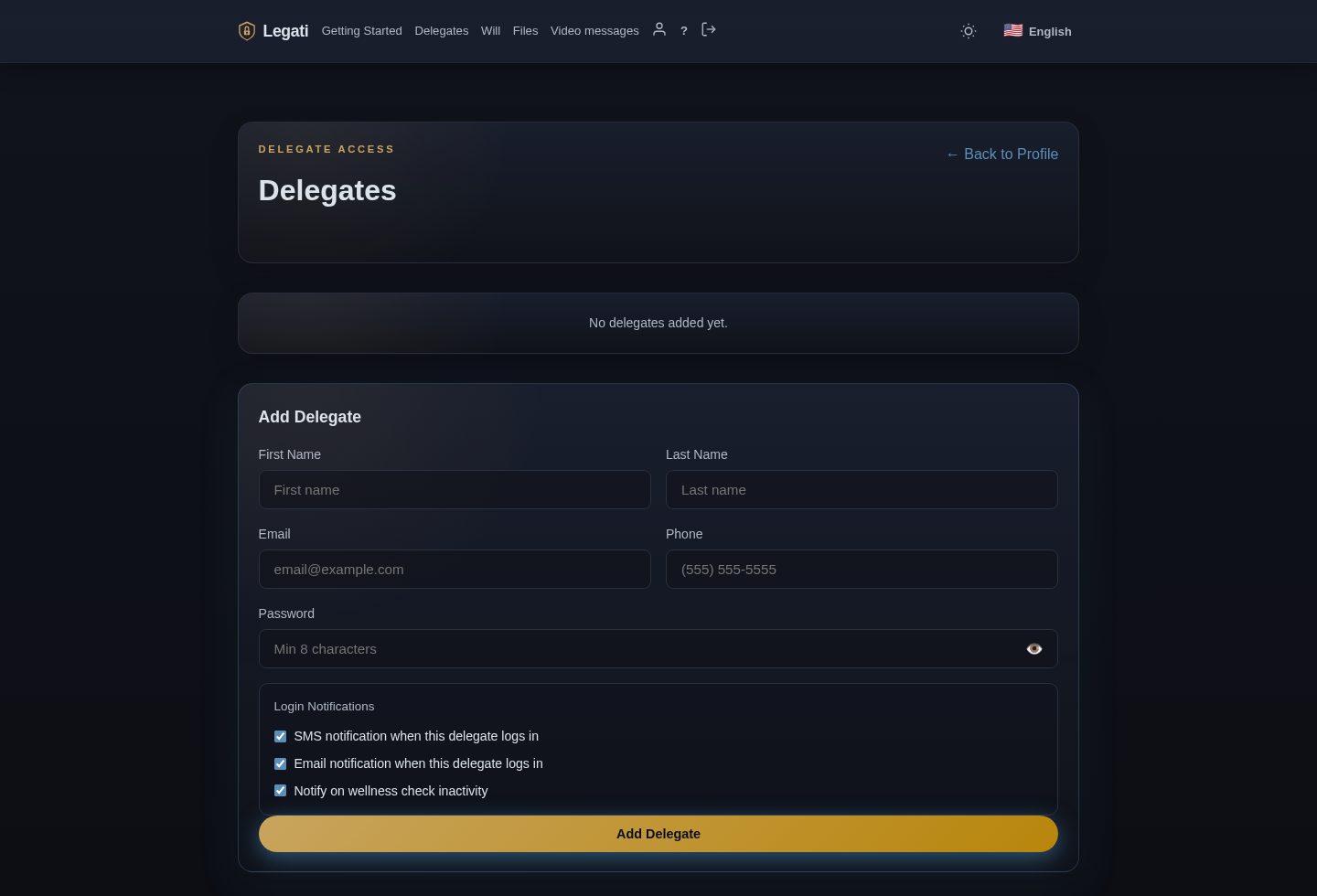
Add clear notes for who should do what. A delegate may need to know which document is current, who to call first, where a physical safe is located, or what should not be shared broadly.
Review Legati features, compare plans, and use the FAQ to decide how much storage and how many timed messages you need.